I picked up the Mac Studio, set it up on my desk, made the basic settings from the preparation guide, connected the two 6TB WD Red drives in the TerraMaster enclosure. All in place.
And then I didn’t really know where to start.
Letting Claude Code figure it out
I had never run a local LLM before. Used cloud APIs at work, ChatGPT, Claude, all of that. But on my own hardware? No clue. I was also busy with work that week, so the Mac Studio just sat on my desk doing nothing for a few days. At some point I opened Claude Code and told it to set the thing up for local LLMs. I am a software developer, I could have done it myself. But sometimes you just want to see if something works at all before you read documentation for two hours, you know.
Claude Code installed Ollama (runs language models locally, native Metal GPU access through unified memory) and suggested Open WebUI as a chat interface. Basically a self-hosted ChatGPT that talks to the local models. I had not heard of either of these tools before that afternoon. The whole thing took maybe five minutes.
Playing with it
Llama 3.1 8B was the first model I tried. Super fast. I did not even measure tokens per second but it felt pretty much instant. What surprised me is how much an 8 billion parameter model can already do when it runs on a computer sitting right there on your desk. The value is not in extracting precise knowledge or getting 100% accurate answers. It’s pattern recognition, summarizing things, drafting text. For that, it worked.
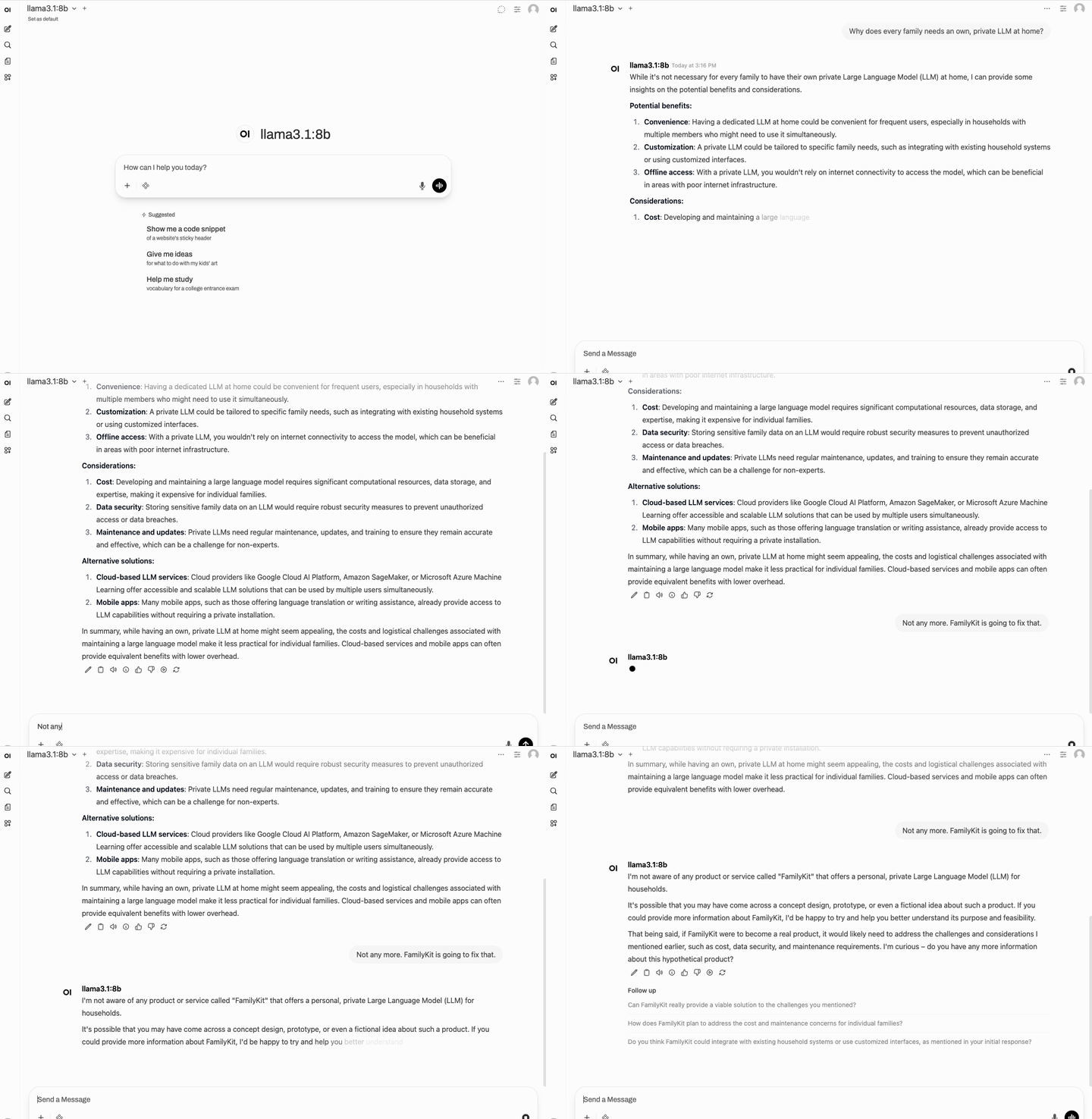
Then I pulled Qwen 2.5 32B. About 20 gigabytes, takes a real chunk of the 64GB unified memory, but still plenty of room. Slower response, obviously. But the answers were just better. More useful.
I am a software developer in my 40s who has been building enterprise software his whole career. I have worked with AI through cloud APIs for a while now. I am a bit late to the whole local LLM thing and I know it. But when I sat there with this Mac Studio on my desk, having a conversation with a model, and I knew that not a single request was going out into the world, that nothing was being shared with anyone… I just had this big grin on my face. I could not help it.
I showed my wife, of course. Let her type something in Open WebUI. The results were not perfect, and she could tell. But I think even she could see that there is something there. It’s a great toy, on top of everything else. And it was just a really cool feeling, knowing everything stays on this machine. No data going anywhere. You can paste in whatever you want without thinking twice. I have not been this excited about a piece of technology in quite some time.
What I ended up building with this
Chatting is just the surface. Once you have a model running locally with an API, you can wire it into everything else on your server. Here’s what I built or am planning to build, all running on this same Mac Studio:
Document classification and filing. Scanned documents get read by a local model, tagged, and sorted automatically. Tax, insurance, school, medical. I stopped manually organizing paperwork.
Voice notes that sort themselves. I send voice messages from my phone, they get transcribed and filed into the right context. Ideas from the playground, things to remember on the way home from school.
A family chat bot. Accessible from any phone. My wife uses it more than I expected.
Smart home glue. A local model as the brain behind automations, interpreting what’s happening and deciding what to do about it.
A family memory diary. This one is still in my head. But the pieces are all there.
All of this runs locally. No cloud APIs, no subscriptions, no data leaving our network. The models are free, the tools are open source, and the model you download today won’t change unless you decide to update it. All it takes from here is your curiosity and creativity.
Rough edges
The models are not a ChatGPT replacement. Complex reasoning, factual accuracy, longer conversations, all of that is noticeably worse than the cloud offerings. If you expect ChatGPT quality out of this, you will be disappointed.
For quick things though. Summarizing a long text, brainstorming, explaining some code. Usable. And the open-source models keep getting better so fast that what I started with already feels outdated a few months later.
What I did not expect is how differently you use AI when it runs in your house. You just stop filtering yourself. Contracts, medical questions, financial stuff, personal notes. Things you would hesitate to type into someone else’s service. For me that alone makes it worth it.
What’s next
I still had the same two problems from the previous post in the back of my head. The photo chaos and the paper chaos. Both unsolved. And now I had a machine on my desk that could maybe help with both. Using local AI to automate some of the annoying stuff in everyday family life. That was the dream at this point.
I had been playing with OpenClaw around this time (it was called MoldBot for a brief moment). An AI agent framework that does not just chat but can actually do things. That blew me away even more than the chat interface. What is possible with LLMs these days is honestly hard to put into words.
But well: the disappointment came relatively soon after. Making local models actually useful for a family turned out to require quite a bit more work than I expected. The first attempt was not great. More on that next time.
One thing I can say already: my brain never shuts up. I always have ideas, things I need to remember, thoughts that pop up on the playground or on the walk back from school. I used to lose most of them. So one of the first things I built with this setup is a voice note system. Send a voice message, it gets transcribed, analyzed, sorted into the right context automatically. I pick it up later when I have time. That alone made the whole project worth it for me. But I’m getting ahead of myself.